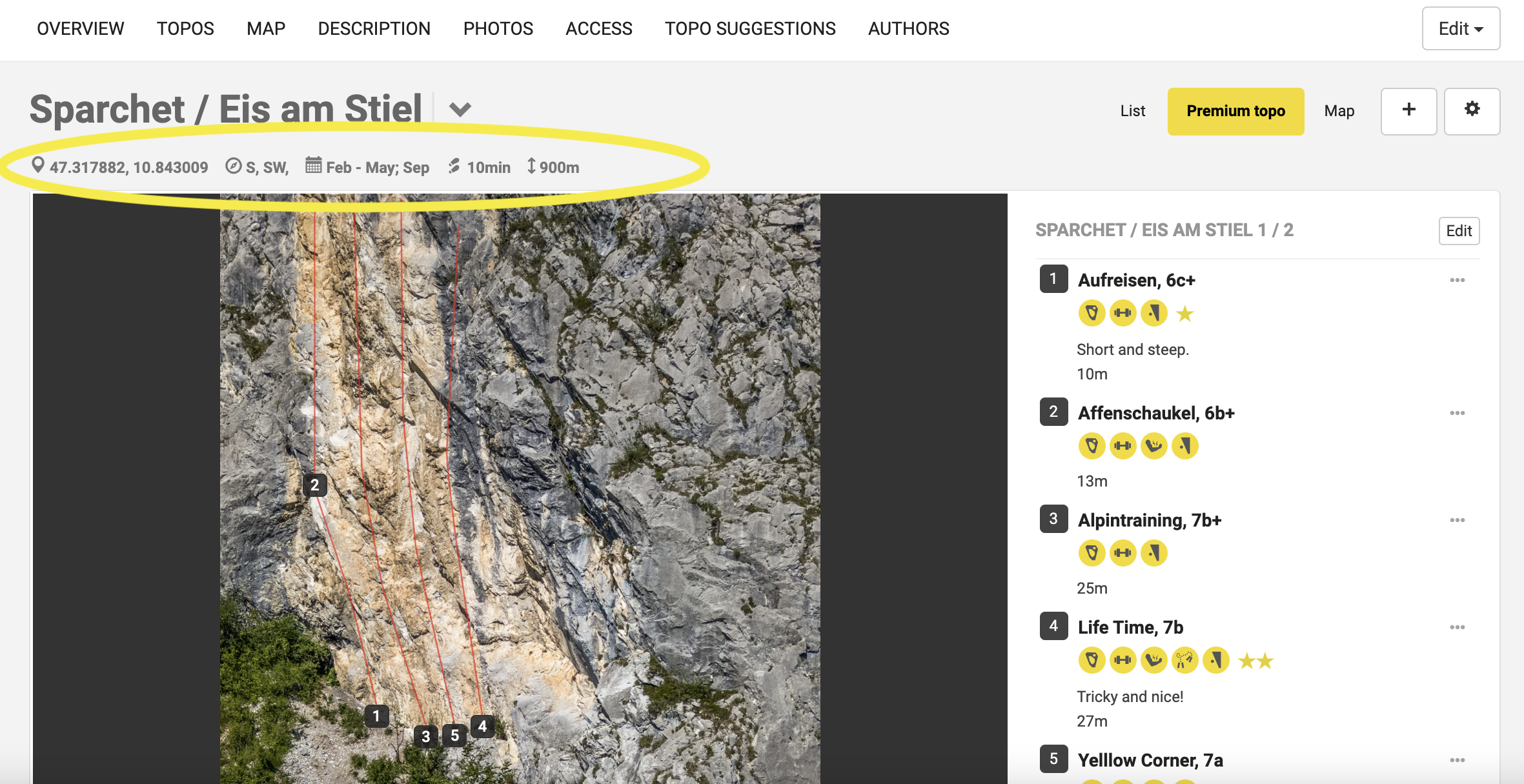

Sector info contains attributes that help climbers find the most suitable sector based on season, time of day (sun), and weather. This is super helpful info and is only available in Premium topos.
Note: Sector info can only be added by the team maintaining the topo.
To edit sector info
1. Go to "topo view" and select Edit topo > Edit sector.

2. Add the sector info and press save
3. The information will now appear on the topo in the website.

Note: In the browser version of 27 Crags, the new information will be visible in the top part of the sector. In the future, this information will be available also in the apps.