
Before creating a crag, it's best to check if the crag you want to make topos for already exists on 27 Crags in order to avoid duplicates. Try searching both the name (top left) and the location by browsing the world map.
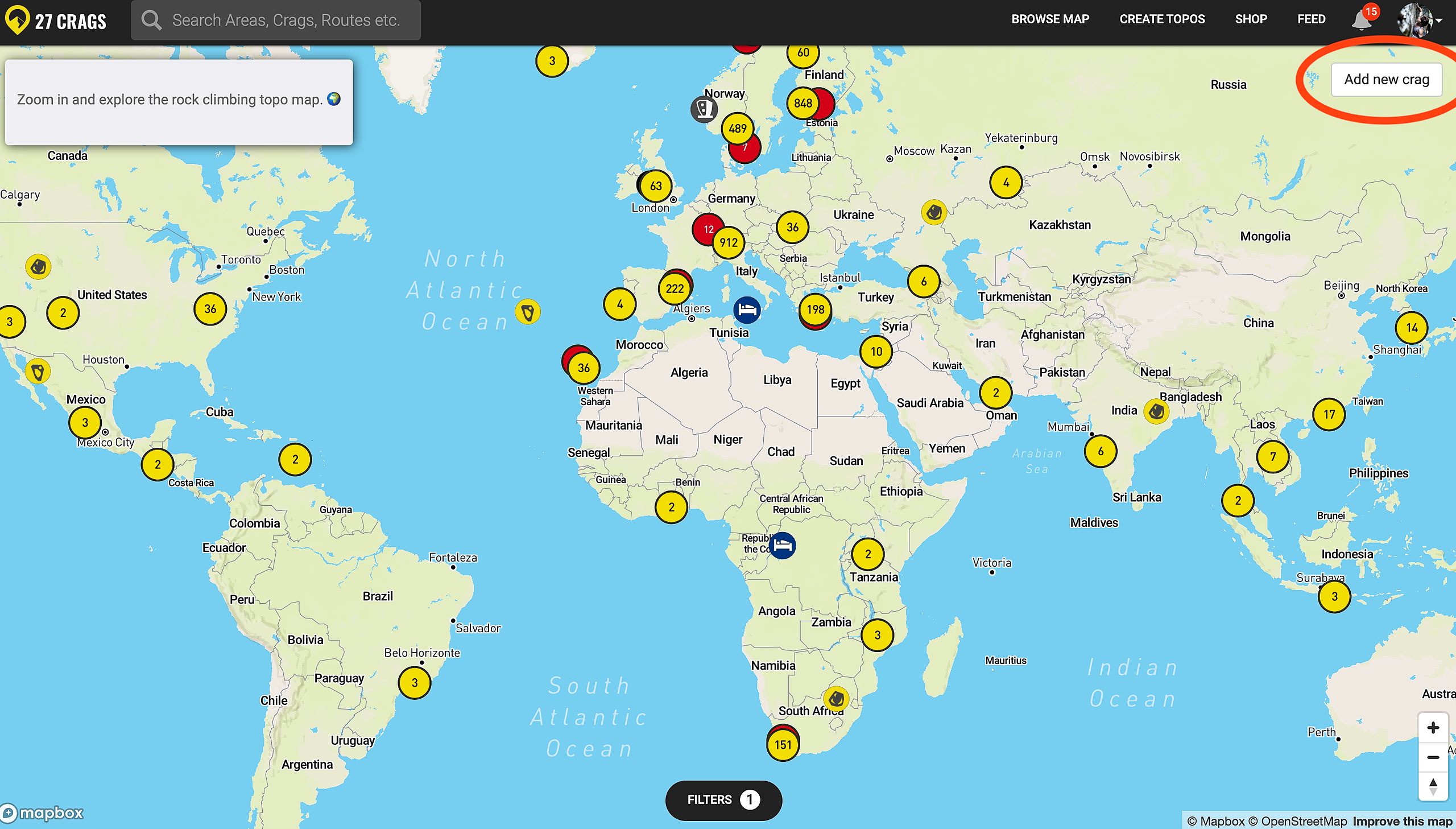
If the crag doesn't exist yet, you can create a new one by clicking "Add a new crag" button in the top right of the world map.
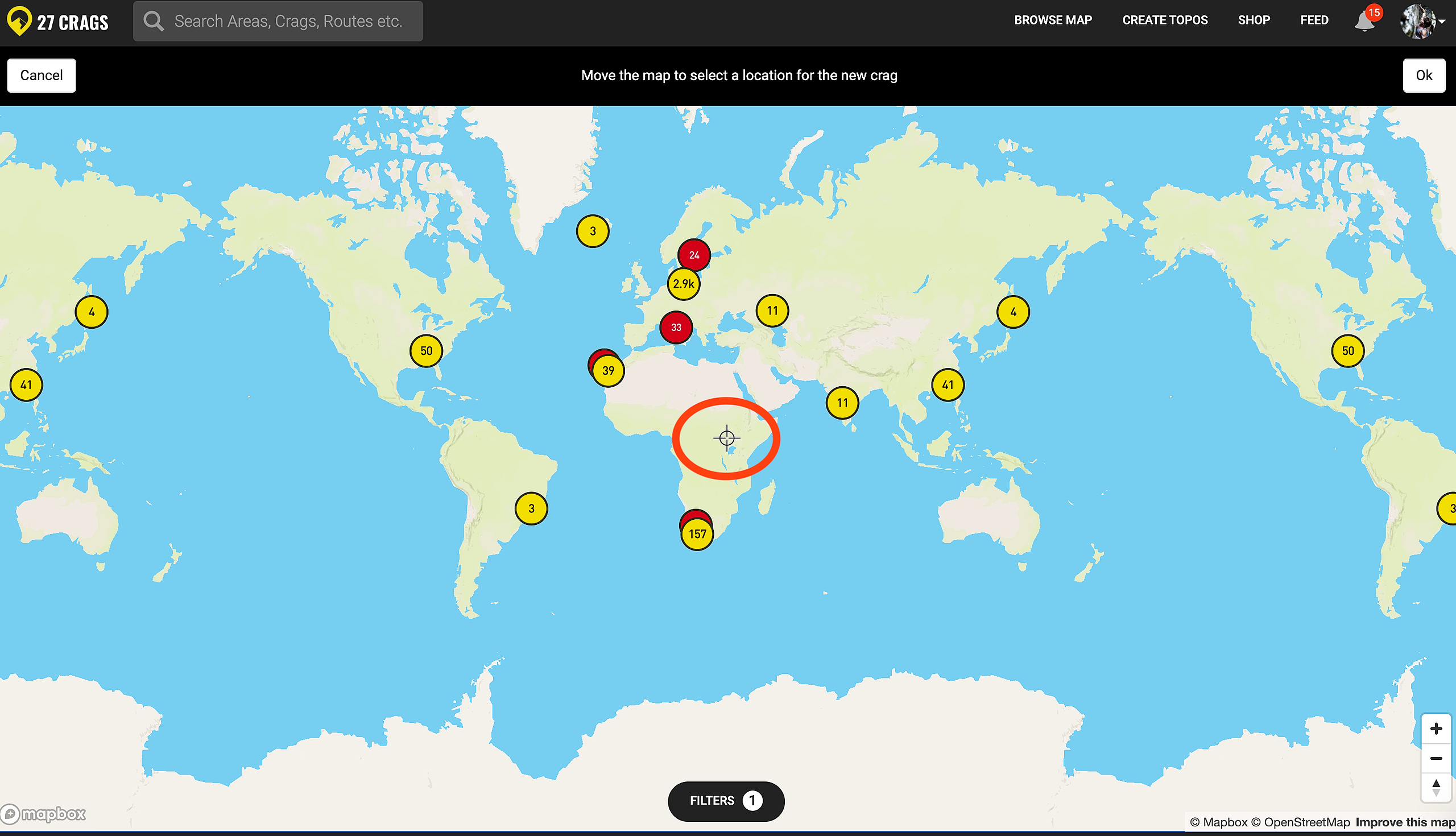
After this, zoom into the right location of the crag you wish to add, and place the location marker (circled in the image below) there.
This is the general location of the crag, you can add the sector/boulder locations and parkings later.
After this you can name the crag.
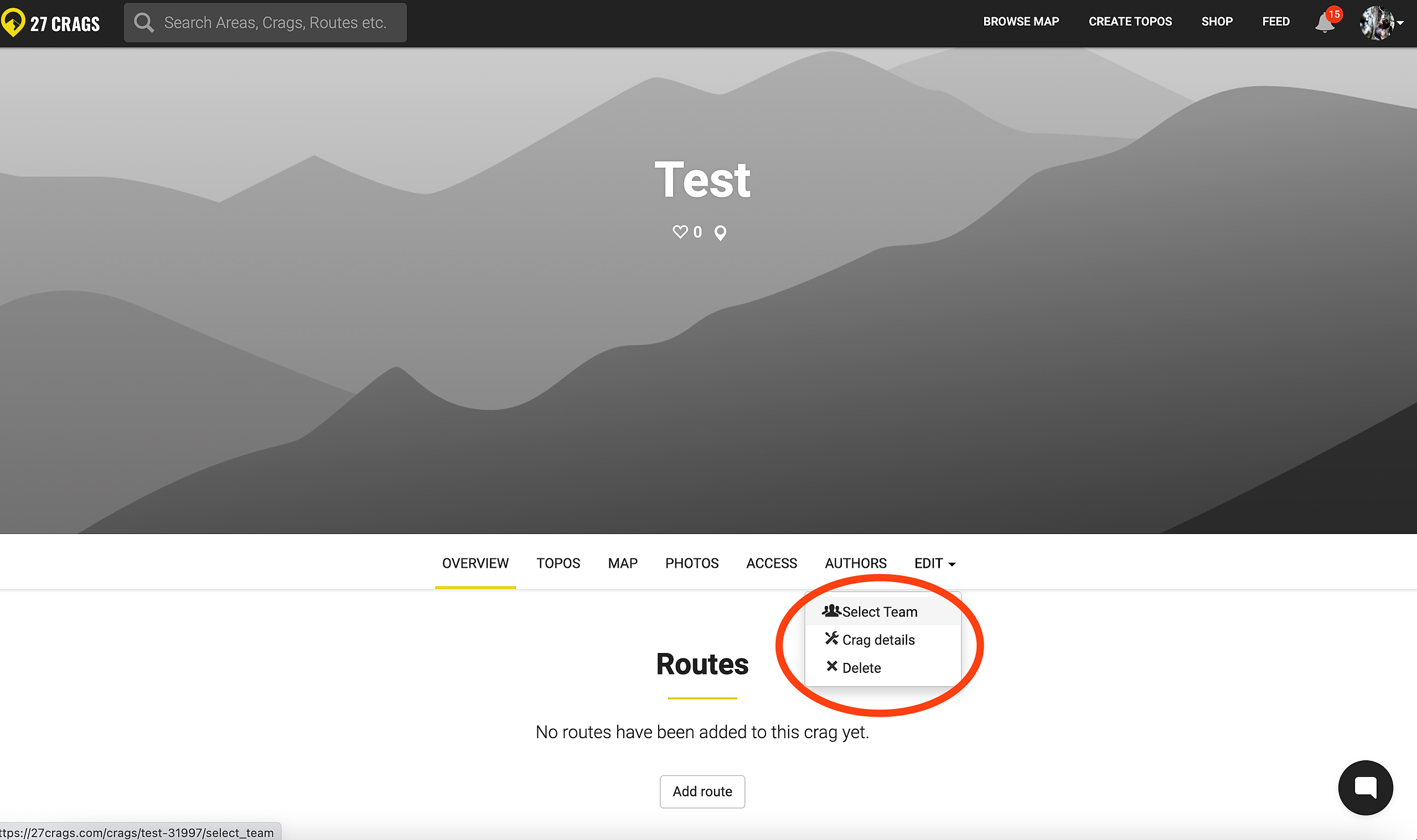
Once your crag is live, click edit and select a team. You can select an existing one, or create a new team if you didn't do it yet. Taking maintainership of an existing crag works the same way.